What’s in the toolbox?


Russ McKendrick · 2 min read ·
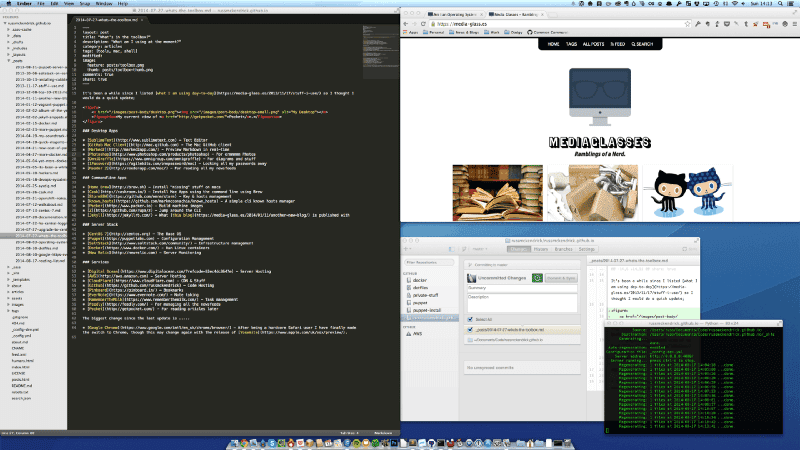
It’s been a while since I listed what I am using day-to-day so I thought I would do a quick update;
Desktop Apps
- SublimeText - Text Editor
- GitHub Mac Client - The Mac GitHub client
- Marked2 - Preview Markdown in real-time
- Photoshop - For ermmmmm Photos
- OmniGraffle - For diagrams and stuff
- 1Password - Locking all my passwords away
- Reeder 2 - For reading all my newsfeeds
Commandline Apps
- Home Brew - Install “missing” stuff on macs
- Cask - Install Mac Apps using the command line using Brew
- StormSSH - Key & hosts management
- known_hosts - A simple cli known hosts manager
- Packer - Build machine images
- Z - Jump around the CLI
- Jekyll - What this blog is published with
Server Stack
- CentOS 7 - The Base OS
- Puppet - Configuration Management
- SaltStack - Infrastructure management
- Docker - Run Linux containers
- New Relic - Server Monitoring
Services
- Digital Ocean - Server Hosting
- AWS - Server Hosting
- CloudFlare - CDN & Stuff
- Github - Code Hosting
- Pinboard - Bookmarks
- EverNote - Note taking
- RememberTheMilk - Task management
- Feedly - For managing all the newsfeeds
- Pocket - For reading articles later
The biggest change since the last update is …..
- Google Chrome - After being a hardcore Safari user I have finally made the switch to Chrome, though this may change again with the release of Yosemite.
Related terms: Agent SkillsAI Coding AssistantApplication Programming InterfaceClaude CodeCodexCommand-Line Interface
More from the archive
Launching a local Rancher cluster
Learn to launch a local Rancher cluster effortlessly with Docker for Mac beta and Docker Machine for smooth demo setups.
5 min read

Docker on Mac OSX
Experience Docker on macOS with enhanced speed and reliability. Learn how to install and leverage its native features seamlessly.
3 min read

Comments