Docker Swarm

Discover Docker Swarm on macOS beta, orchestrate services effortlessly, and scale with ease. Step-by-step guide included.

Russ McKendrick · · 2 min read
As mentioned a few weeks ago I have been part of the Docker for macOS (as its now known) beta for a while. I didn’t pay much attention to the update last night until I just caught up on the tweets from Docker Con and noticed that they have built in orchestration straight into the core Docker Engine.
They said it was there now and it will take no time to run so I decided to give it ago;
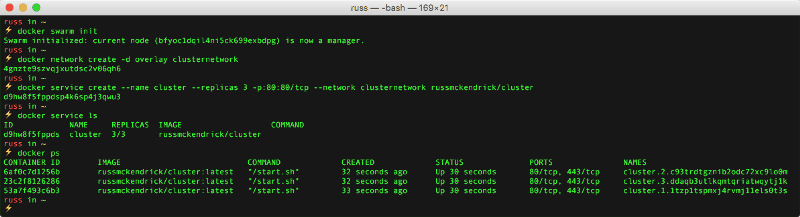
As you can see, it was that easy !!! The commands I ran were as follows;
docker swarm initThis turn my local Docker installation into the Swarm manager, I then created an overlay network called “clusternetwork”;
docker network create -d overlay clusternetworkand finally created the service called “cluster”, which was made up of 3 replicas all bound to port 80, by running;
docker service create - name cluster - replicas 3 -p:80:80/tcp - network clusternetwork russmckendrick/clusterI already had a container hosted in the Docker Hub which runs NGINX and shows a page with the containers ID.
Opening my browser and going to http://localhost/ showed me the following page;
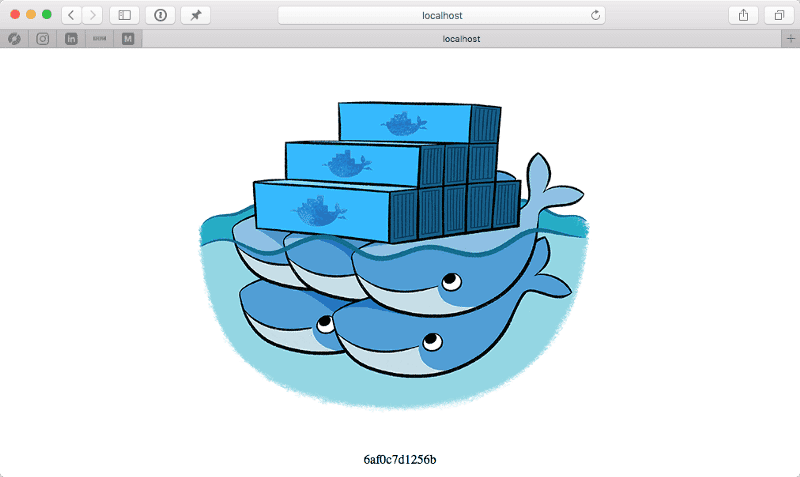
So far so good, lets now forcible remove the container with the ID of “6af0c7d1256b”;

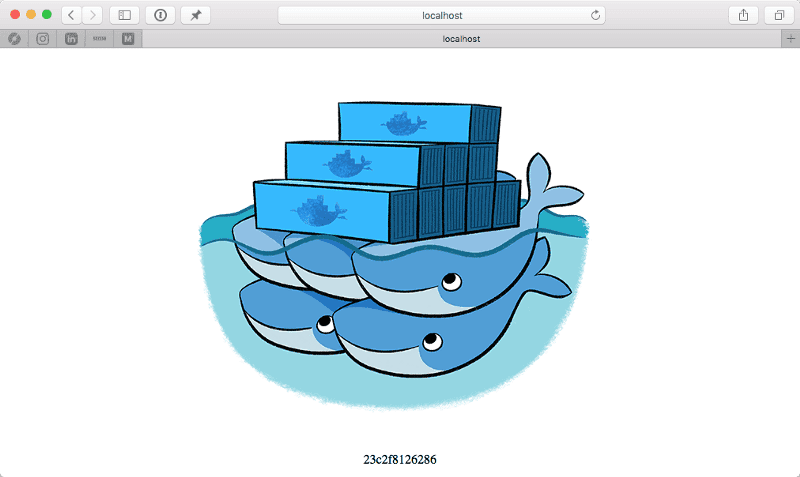
As you can see, it was replaced and refreshing my browser now shows that I am connecting to another container in the cluster;
Lets try scaling the service, this is as simple as running;
[code gutter=”false”]docker service scale cluster=6[/code]
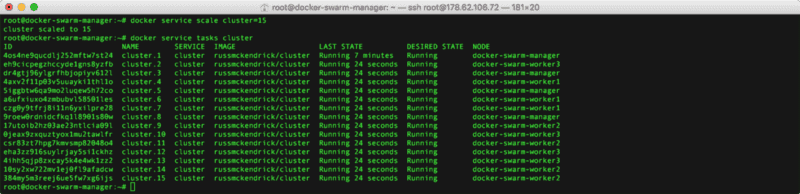
All really simple stuff, now imagine if I had more than a single host all of the containers I launched would be nicely distributed amongst them and it should all magically take care of itself.
To remove the service and leave the swarm run the following commands;
docker service rm clusterdocker network rm clusternetworkdocker swarm leave - forceand for more information on this new feature see the following blog post, at the time of writing the documentation is in the process of being rolled out so I will update this post if anything is wrong :)

Related terms: ContainerContainer RegistryDocker ComposeGitHub Container RegistryPodman
Keep reading


Comments